
Videos
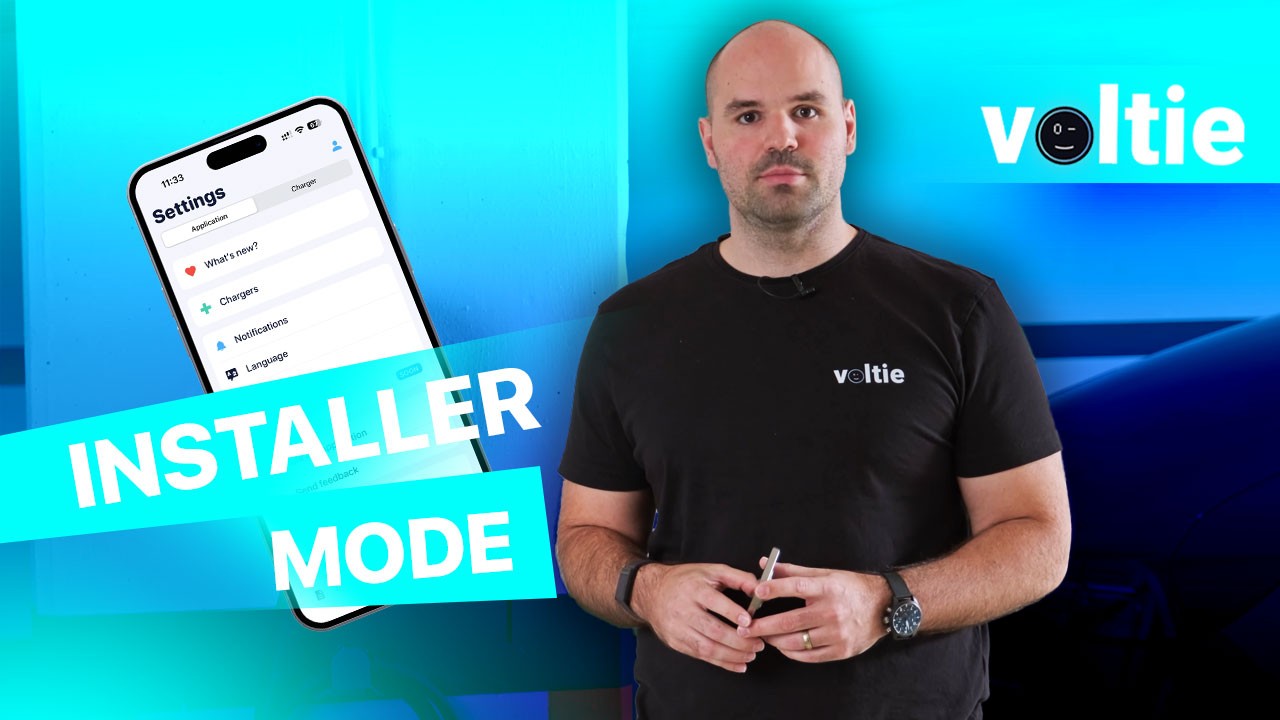
In the following videos below, we will show you step-by-step how to install and configure the Voltie charger.
We will help you setting up the Voltie mobile application and getting done the registration process. You can also learn more about the available charging methods.
Follow us on our social media pages, where we regularly share useful and interesting content.
Before Purchase





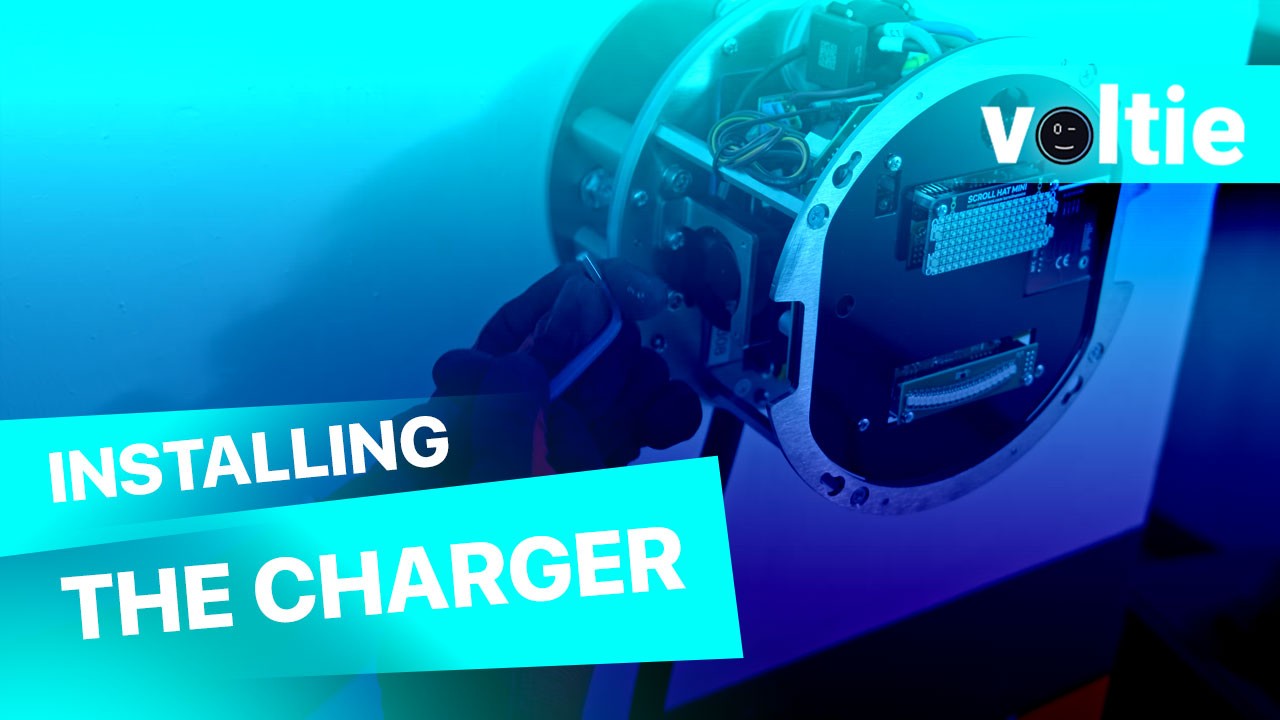

Videos



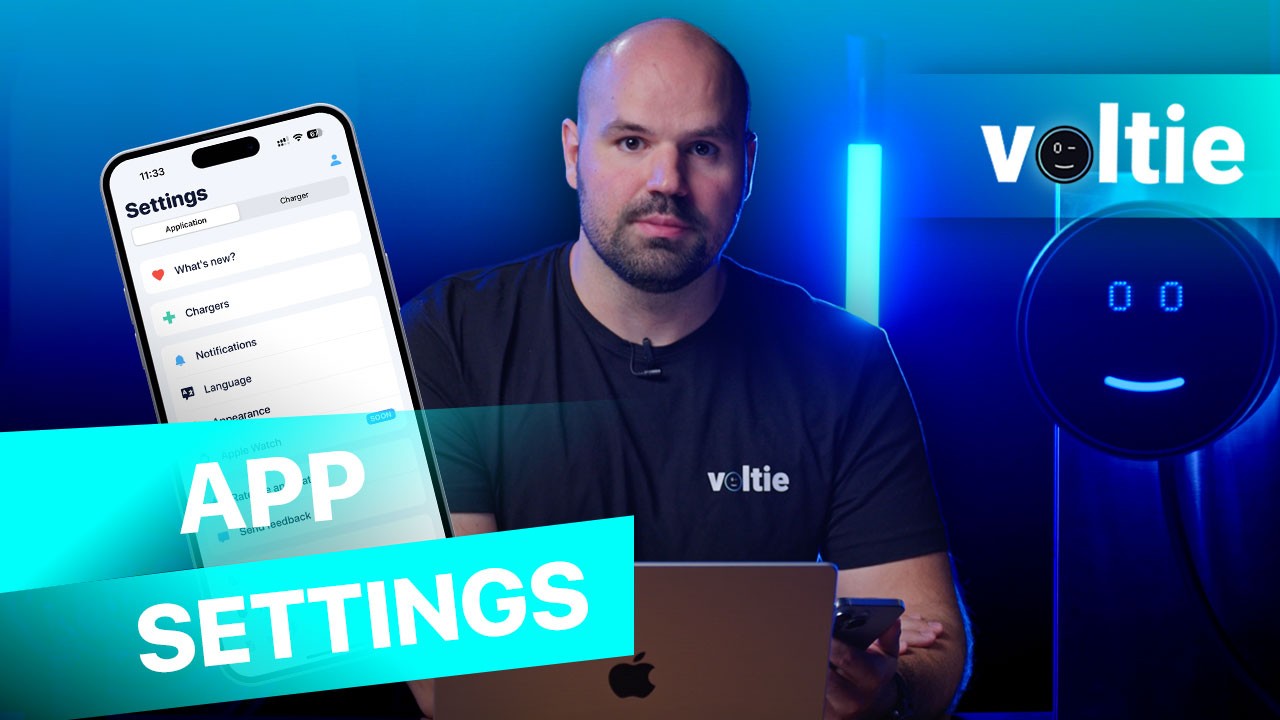

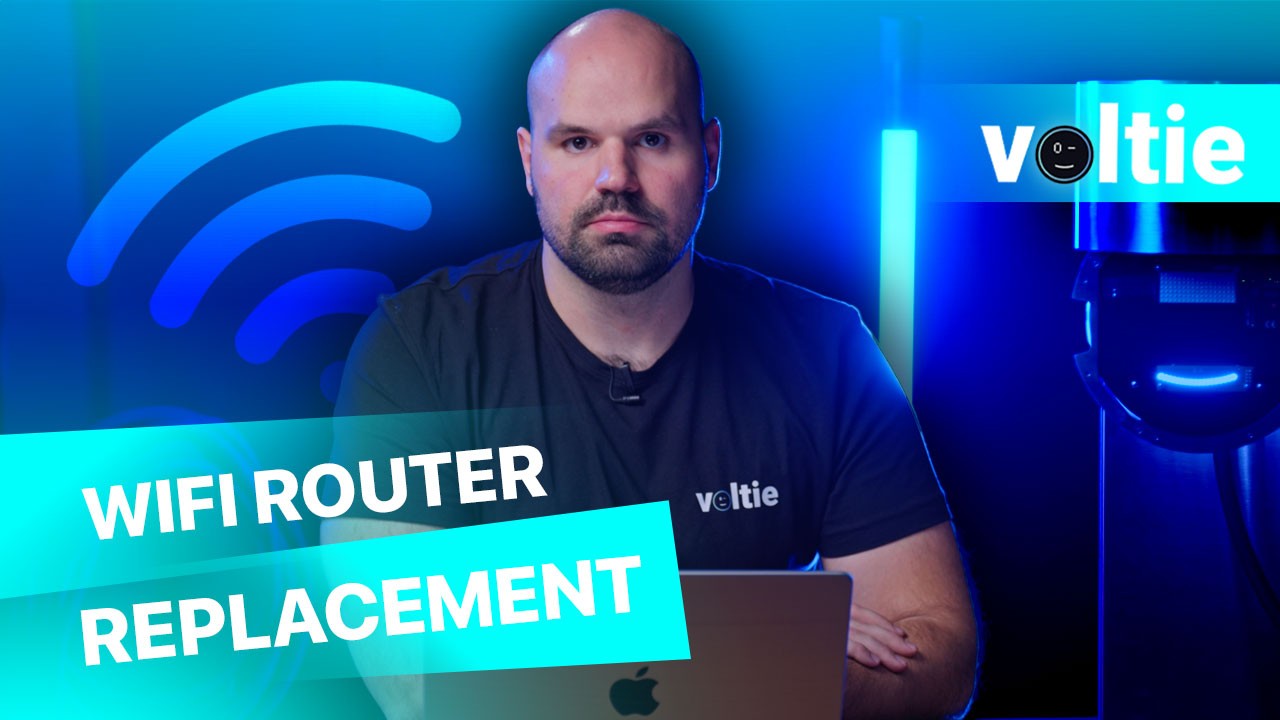

What to do after changing your Wi-Fi router?
If you have a new router, or your Wi-Fi name or password has changed, your charger needs the new network details too. You can set this up in the app in a few minutes.
The easiest way
Set the same Wi-Fi name and password on the new router as on the old one. The charger will then reconnect on its own. If it does not show up online in the app within a few minutes, turn the charger off and on again at the circuit breaker.
Setting up a new Wi-Fi network in the app
Before you start:
- Connect your phone to the new router's Wi-Fi.
- Turn off Personal Hotspot on your phone.
- Stay close to the charger.
- Open the charger settings in the app. While the charger is offline, you will see the "Has the router changed?" section here. Tap "Recovery mode".
- Turn the charger off at the circuit breaker, then turn it back on after a few seconds.
- After 1-2 minutes, the charger's display shows "RESTORING WIFI". From then on you have 2 minutes for the next step.
- Tap "Start recovery" in the app. Your phone connects to the charger's own Wi-Fi network (its name is VOLTIE- followed by the last four characters of the charger ID). If your phone asks, allow the connection.
- Select your new router's Wi-Fi network, enter its password and send it. The charger connects in about a minute and shows up in the app again.
If the 2 minutes run out before you finish, turn the charger off and on again at the circuit breaker and continue from step 3.
Good to know: recovery mode starts after a restart at the circuit breaker, when the charger cannot find its usual Wi-Fi network.
Any questions? Write to us: help@voltie.eu
Documents
Before using the Voltie charger, read the brief informational materials to ensure safe and effective home charging.
Quick start
About using and maintaining the Voltie charger
TECHNICAL DATA SHEET
The details of a Voltie charger from a technical perspective
VOLTIE - EU Declaration of Conformity HU
Wall drilling template
Template for concrete base
Narrow steel pole
Template for concrete base
Wide steel pole


